
 One of the less fun parts of setting up a WordPress site — especially for clients — used to be connecting all the essential Google tools. Before, developers often had to manually insert tracking snippets into header files, risking breakage during theme updates. Other plugins promised integrations but were either unreliable or scattered data across multiple dashboards.
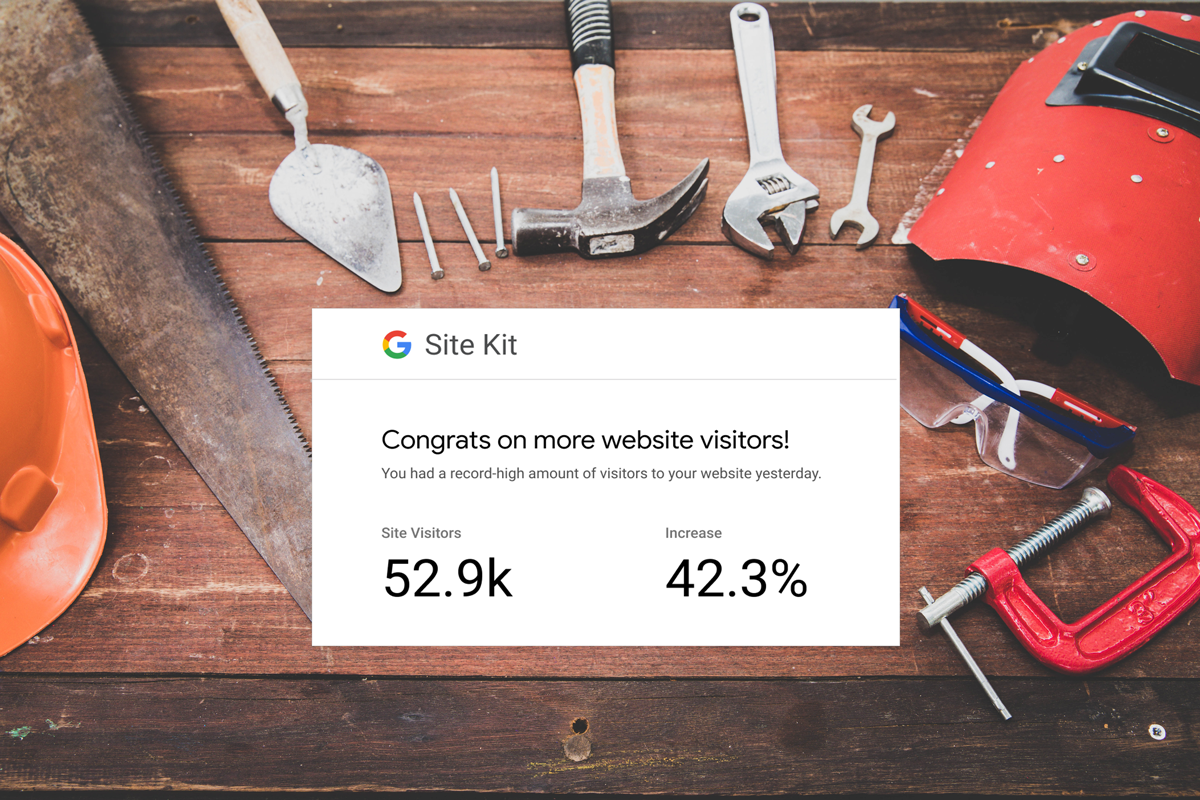
That’s where Google Site Kit comes in — it’s the official WordPress plugin from Google that brings key performance, search, and analytics tools into a single, centralized dashboard inside your WordPress admin.
Why We Use Google Site Kit on Nearly Every WordPress Project
At Funnychord, we include Site Kit in nearly every WordPress build because it saves time, reduces complexity, and gives site owners meaningful, actionable insights without needing to switch between tools.
Here are six key reasons it’s such a valuable addition:
1. One Dashboard for All Your Key Metrics
Instead of logging into multiple Google products — Search Console, Analytics, PageSpeed Insights, and AdSense — Site Kit brings the most important data right into your WordPress dashboard. That means you can find traffic trends at a glance, search performance including impressions and clicks, and see your monetization insights if you’re using Adsense.
2. Easy to Set Up
One of the biggest headaches when setting up Analytics and Search Console used to be adding tracking code to your theme or editing header files. Site Kit eliminates that by allowing you to connect your Google account from within WordPress and pick only the services you want and use. Then the plugin handles the integration entirely which saves time and reduces the risk of errors.
3. Official, Reliable Data from Google
Because Site Kit is developed by Google, the data it shows is authoritative — the same data you’d see in each individual Google tool. You don’t have to worry about third-party misinterpretation or inaccuracies. And because it displays these metrics in WordPress, you can quickly understand how people find and navigate your site and see what content is performing well.
4. Simplified SEO & Search Insights
Connected to Google Search Console, Site Kit helps you answer questions like:
- What keywords are bringing people here?
- Which pages have the most impressions?
- Are there issues with indexing or search visibility?
Getting this information directly in WordPress makes SEO monitoring simpler and less intimidating — especially for site owners unfamiliar with the individual Google tools.
5. Performance & Speed Awareness
Site Kit also integrates with Google PageSpeed Insights, showing you performance scores and optimization suggestions you can act on to improve user experience — a factor that matters for both search ranking and engagement.
6. Monetization Tracking
If you’re running ads through Google AdSense, Site Kit can connect you directly and show revenue metrics without requiring a separate plugin. While not every site will need this, it’s a nice bonus for blogs or sites that monetize.
Who Google Site Kit Is Great For
Whether you’re a developer handling multiple builds, a small business managing your own site, or an agency reporting to clients, Site Kit makes essential data accessible and actionable — right where you manage your content.
Why We Consider It Essential
We treat Google Site Kit as part of our default install on every new WordPress project because:
- It’s official and reliable
- It reduces the need for multiple plugins
- It surfaces useful insights without extra dashboards
- It’s free and maintained by Google
It’s not a replacement for deep analytics platforms, but for most site owners and developers, it’s the best first place to get a snapshot of traffic, search performance, and site health.
Google Site Kit isn’t just another plugin — it’s a way to make better decisions based on real data, all without leaving your WordPress dashboard. If you’re building sites that matter, it’s one of the simplest ways to unlock useful insights quickly and responsibly. And no…we have not been paid for this post!